

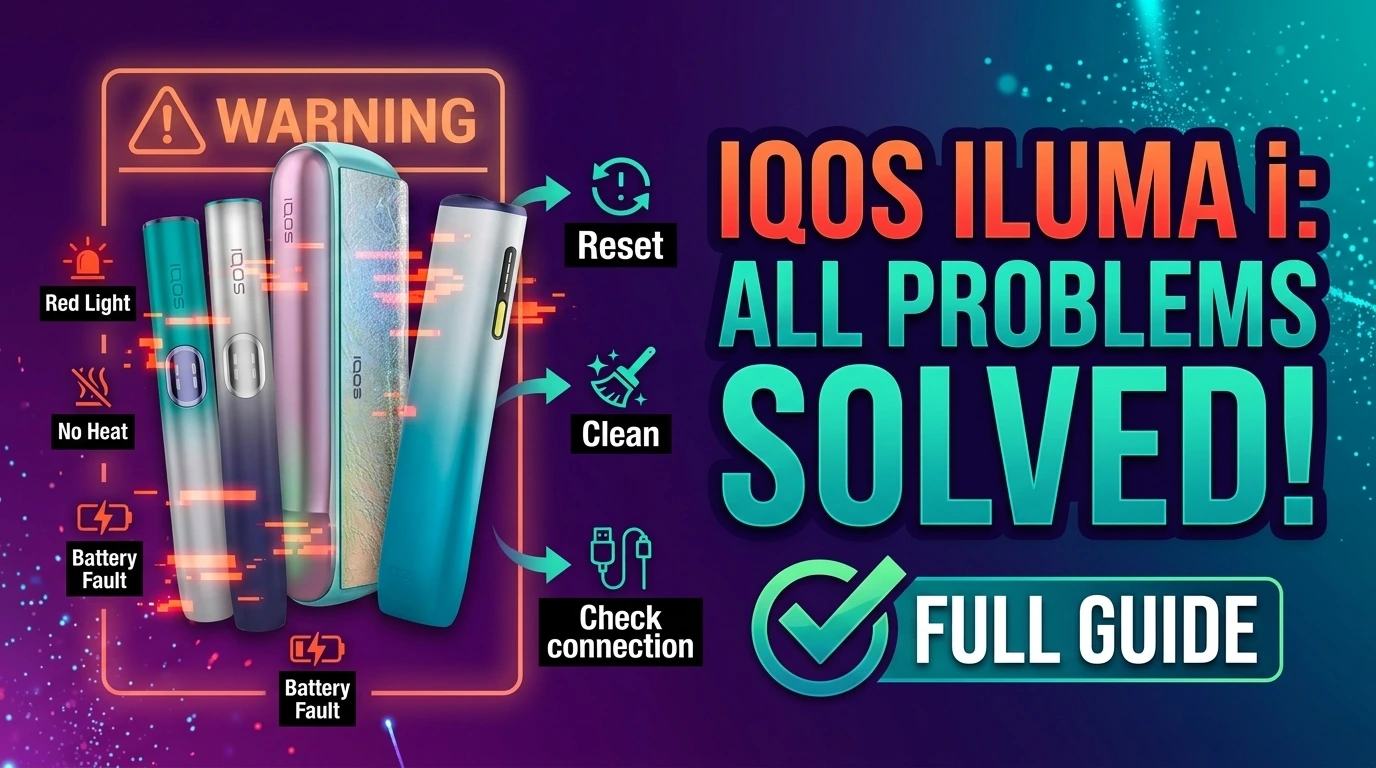
The ILUMA i lineup runs on a blade-free SMARTCORE Induction System. That’s different from older IQOS devices, so they fail differently, too. Most issues trace back to one of five things: battery status, temperature, stick compatibility, a screen code, or a feature like Pause Mode or FlexPuff behaving as designed. This ILUMA I Problems & Solutions walks through each one, model by model, so that you can match your exact symptom to the right fix.
Common ILUMA i Problems at a Glance
| Symptom | Check First | What It Usually Means |
| Won’t turn on | Battery, then reset | Battery is drained, or the device needs a reset |
| Blinking red light | Blink pattern, charging contacts | Software glitch, charging fault, or interrupted firmware update |
| Screen shows “0” flashing 3 times | Battery | Holder battery is low and needs to go back into the Pocket Charger |
| Screen shows a solid “0” | Available experiences | No experiences are left this cycle on this Holder |
| Two vertical lines flashing | Temperature | Device is outside its 0°C–40°C range until it warms or cools naturally |
| ILUMA i ONE top/bottom lights flash white | Device Lock | Device Lock mode is active and needs to be turned off in the app |
| Won’t heat or detect the stick | Stick type, insertion | Wrong stick, poor insertion, or stick moved mid-session |
| Won’t charge | Contacts, seating | Dirty contacts, loose seating, or a charger issue |
| Pause Mode greyed out | Mode and timing | Pause has strict timing rules (below) |
| FlexPuff didn’t add puffs | Session type | It’s automatic and not guaranteed every time |
| Stops mid-session | Stick position | The session stops automatically if the stick is moved or removed |
| Feels hot | Environment, use pattern | Some warmth is normal; sudden heat is not |
First Things to Check, Every Time
Before anything else, run through this short list. It solves most cases on its own.
- Check the battery level.
- Check if the device is too hot or too cold.
- Confirm you’re using a genuine TEREA stick.
- Look at the exact light pattern or screen symbol.
- Try the reset that matches your model.
- Check the charging contacts for dust or lint.
- Contact support if none of this helps.
ILUMA i Not Heating or Not Detecting the Stick
This is not always the same problem as “won’t turn on.” A device can power on fine and still fail to heat.
Common causes:
- A stick that isn’t a genuine TEREA stick
- A stick inserted at an angle or not pushed in fully
- The stick shifting or coming loose during the session, which triggers an automatic stop.
- A stick that’s been sitting somewhere humid
Try a fresh stick from a sealed pack first. If a second and third stick also fail to heat, treat it as a device issue rather than a stick issue.
ILUMA i Blinking Red
A red light isn’t one single error. Official guidance links it to a reset, and a persistently blinking red light on the Pocket Charger usually points to a low Holder charge. On the ILUMA i ONE, a red light similarly calls for a reset first.
What to do:
- Note whether it’s steady or blinking, and how many times.
- Place the Holder in the Pocket Charger and clean the contacts.
- Run the reset for your model (steps below).
- Contact IQOS support if the red light keeps coming back.
ILUMA i Blinking White
White lights cover more than one situation, so the pattern matters.
- Two lights blinking on the Holder usually means the device is outside its 0°C–40°C operating range. Let it sit at room temperature, away from the sun or a hot car, then try again.
- Top and bottom lights flashing together on the ILUMA i ONE means Device Lock is switched on. Open the IQOS app, go to device settings, and turn the lock off.
- Pulsing white during charging or right after a puff is normal and not a fault.
Why Does My ILUMA i Show “0”?
Two different symbols get confused here.
- A static “0” means you’ve used up the experiences available on that Holder for this cycle. Recharge, and it resets.
- “0” flashing three times means the Holder itself is low on charge. Place it back in the Pocket Charger, seated correctly, and let it charge.
Neither one is a hardware fault on its own.
ILUMA i Not Charging
Work through this in order rather than jumping straight to a reset.
- Check that the Pocket Charger itself has power.
- Make sure the Holder is fully and correctly seated.
- Wipe the charging contacts on both parts with a dry, soft cloth.
- Give it a full charging cycle before checking again.
- Reset the device if it’s still not charging.
- Contact support if a clean, fully seated connection still won’t charge.
Why Is Pause Mode Not Working?
Pause Mode has real limits, and most “it’s not working” reports come down to one of these:
- Pause Mode only works on the ILUMA i and ILUMA i PRIME — the ILUMA i ONE doesn’t have it.
- It’s only available in Performance Mode, and only in the first 3 minutes or first 8 puffs of a session.
- Performance Mode allows two sessions in a row, and Pause is only offered on one of them.
- To activate it, swipe down across the whole touch screen, not just part of it.
- If you don’t resume within 8 minutes, the Holder switches off on its own.
If your swipe isn’t registering, try a slightly faster motion across the full screen. A swipe that’s too slow or too short won’t trigger it.
Why Didn’t FlexPuff Activate?
FlexPuff isn’t something you turn on. The device analyses how you’re using it and may automatically grant up to four extra puffs, usable within the remaining part of the six-minute session. It won’t show up in every session, and it doesn’t activate at all in a session where Pause Mode was used. Not seeing extra puffs isn’t a sign your device is broken.
ILUMA i Stops During a Session
If the device cuts out mid-use, the most common reason is mechanical, not electrical. The session automatically stops if the stick shifts position or is pulled out. Reinsert it fully and start again. If the same stick keeps causing this, check that it’s undamaged and fully pushed in. If it keeps happening across different sticks, that points to the device.
ILUMA i Getting Hot
Some warmth is expected while charging or right after a session. That’s normal.
Treat it as a possible problem if you notice:
- Heat that’s uncomfortable to hold
- Heat paired with repeated warning lights
- A burning or unusual smell
- Any swelling, warping, or visible damage
Stop using the device and let it cool naturally in these cases. Never put it in a fridge or freezer to cool it faster — that’s not a safe shortcut.
How ILUMA i Standard, Prime, and ONE Differ
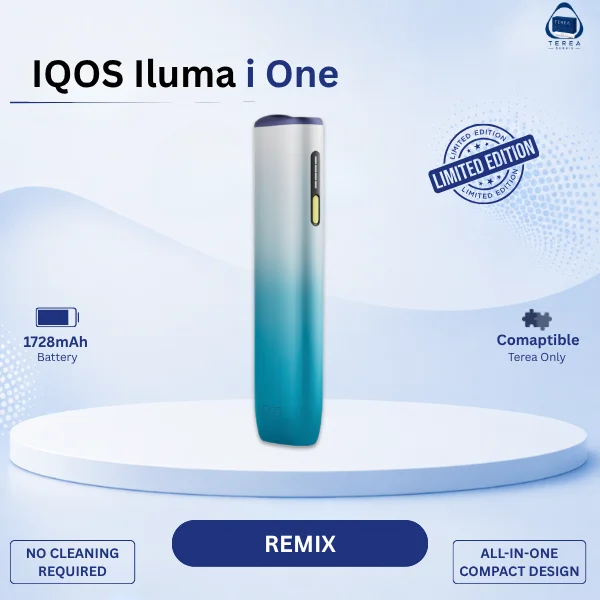
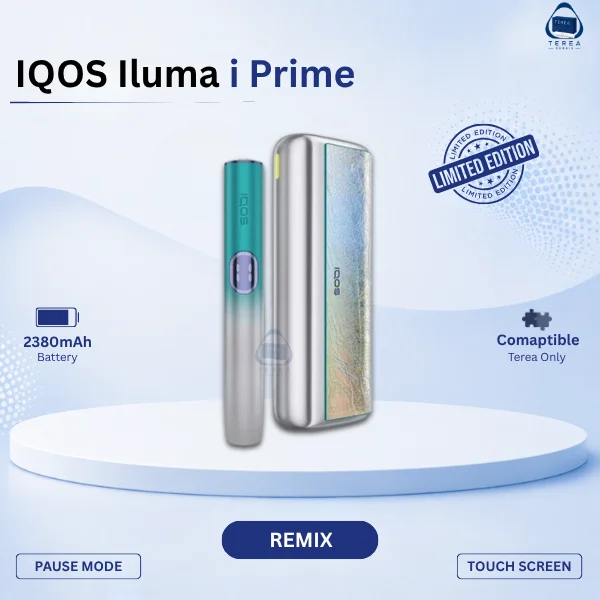
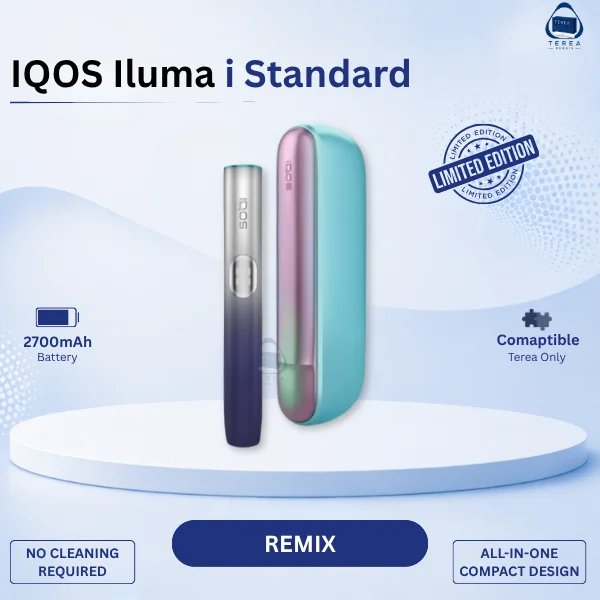
The three models aren’t interchangeable when it comes to troubleshooting. The ILUMA i Standard and ILUMA i Prime both use a separate Holder and Pocket Charger. The ILUMA i ONE is a single unit with no separate charger, so its reset, its lock feature, and some of its light patterns work differently.
Pause Mode is one clear example — it exists on the Standard and Prime but not on the ONE. Device Lock is another — the ONE shows it through a top-and-bottom white flash, which isn’t how the Standard and Prime behave. If you’re reading advice written for one model, it’s worth double-checking it actually applies to yours before following it. General background on the wider lineup is available in the ILUMA i range as well.
TEREA vs. HEETS: Why the Stick Matters
ILUMA i devices heat tobacco using SMARTCORE induction rather than a blade. TEREA sticks are built for that induction process. HEETS sticks were made for older, blade-based IQOS devices and aren’t designed to work with induction heating, which is why a mismatched stick often shows up as “won’t heat” or “no vapour.”
Buying from a genuine, verified source matters here too. If you’re ever unsure whether a batch of sticks is authentic, it’s worth checking where they came from before assuming the device itself is at fault — buying through an Original Seller removes that guesswork.
Handling Temperature Problems in UAE Conditions
Heat is the more common issue for UAE users, simply because of the climate. A device left in a parked car, in direct sun, or carried straight from air conditioning into midday heat can easily drift outside its safe range.
If that happens:
- Move it out of direct sun and let it sit indoors.
- Don’t leave it in a car, even for a few minutes.
- Give it time to settle before trying again — repeated attempts while it’s still too hot won’t help.
How to Reset an IQOS ILUMA i
A reset clears many temporary glitches. It won’t fix physical damage, and it won’t make an incompatible stick suddenly work.
ILUMA i Standard and Prime:
- Place the Holder fully into the Pocket Charger.
- Press and hold the Pocket Charger’s button for 10 seconds.
- Release once the lights fade out. All the lights will turn off, blink twice, and turn back on to confirm the reset.
ILUMA i ONE:
- Press and hold the device’s own ON/OFF button for 10 seconds, since it has no separate charger.
- The lights will fade in, blink twice quickly, then ramp up and show the current charge level to confirm the reset worked.
When to Stop Troubleshooting and Contact Support
Some situations call for support rather than more DIY steps:
- A red light that keeps returning after a clean, seated reset
- No response at all after charging and resetting
- Charging that fails even with clean contacts and a full seating check
- Any visible cracking, warping, or damage
- Heat that goes beyond normal warmth
- The same fault repeating across several sessions
Contact official IQOS support in these cases. Don’t open, puncture, or attempt to repair the device yourself.
FAQ
Why is my IQOS ILUMA i not working?
Start with the battery, then check the temperature, then the stick. Those three cover most cases.
Why is my ILUMA i blinking red?
It usually means a reset is needed, or there’s a charging contact issue. Clean the contacts and reset before assuming a hardware fault.
Why is my ILUMA i blinking white?
Two lights on the Holder usually mean the device is too hot or too cold. On the ILUMA i ONE, top-and-bottom white flashing means Device Lock is on.
Why is my ILUMA i showing 0?
A flashing “0” means the Holder battery is low. A solid “0” means you’ve used up your experiences for this charge cycle.
How do I reset my IQOS ILUMA i?
Hold the Pocket Charger button for 10 seconds on the Standard and Prime. On the ILUMA i ONE, hold the device’s own button for 10 seconds instead.
Why is my ILUMA i not heating?
Check the stick first. TEREA sticks are made for ILUMA i’s induction system; HEETS sticks aren’t compatible.
Can I use HEETS with ILUMA i?
No. HEETS sticks are built for older, blade-based IQOS devices, not for ILUMA i’s induction heating.
Why is Pause Mode not working on my ILUMA i?
It only works in Performance Mode, within the first 3 minutes or 8 puffs, and it isn’t available on the ILUMA i ONE at all.
Why didn’t FlexPuff activate?
FlexPuff is automatic and based on your usage pattern. It’s not guaranteed every session, and it won’t activate if you used Pause Mode.
Why does my ILUMA i stop mid-session?
The stick likely shifted or came loose. Reinsert it fully and start again.
Why is my ILUMA i getting hot?
Mild warmth during use or charging is normal. Uncomfortable heat, a smell, or visible damage means you should stop using it and contact support.
Can UAE heat affect my ILUMA i?
Yes. Leaving it in a car or in direct sun can push it outside its safe temperature range and trigger a white-light warning.